

-

FAST RECONFIGURATION
Reposition as layouts change
-

PROTECTIVE GRIP
Protects finishes, adds grip
-

CLEAN CABLE ROUTING
Keeps cables organised
-

NO PERMANENT MODS
No drilling, no welded tabs


MOUNT TO THE STRUCTURE.
NOT THROUGH IT.
Create equipment and cable mounting points across existing truss and tube without drilling, welding or permanent modification.
BUILD TEMPORARY SETUPS TO PERMANENT BUILDS
-

EVENT & PRODUCTION
Lighting, cameras and control hardware
-

TRUSS SYSTEMS
Equipment and cable routing across tube structures
-

FABRICATED FRAMES
Add mounting points without adding welded tabs
-

TECHNICAL INSTALLATIONS
Sensors, electronics and monitoring equipment


THE GRIPFORCE SYSTEM

BASE
Creates the mounting point
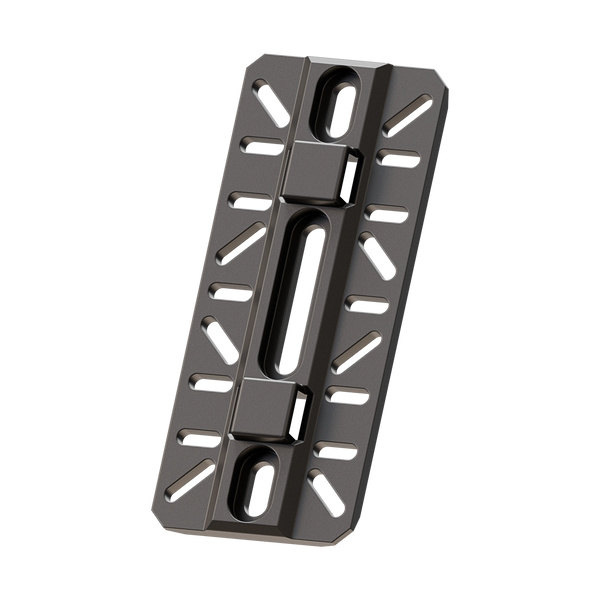
PLATFORM
Supports equipment
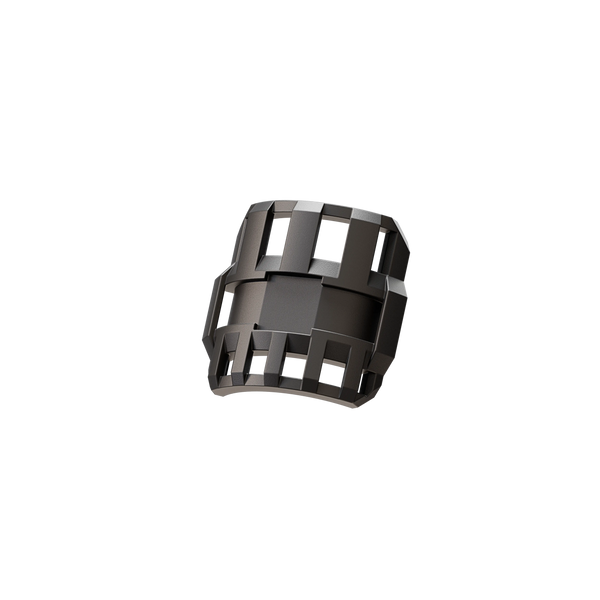
WIRING
Secures cable runs
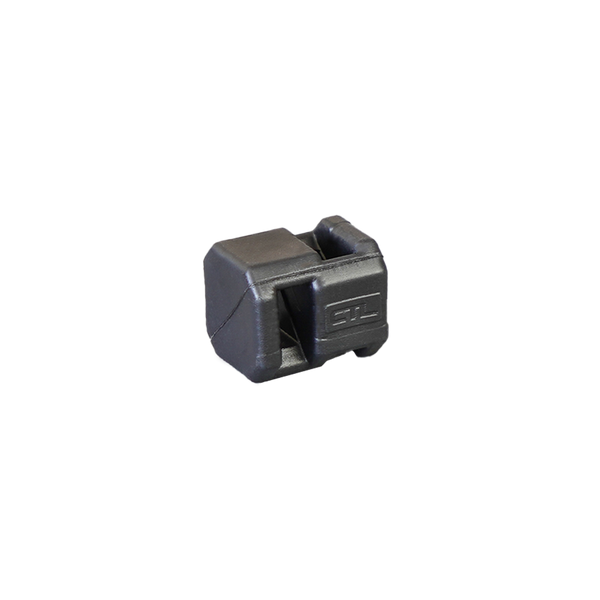
LINK
Connects and organises routing

ONE STRUCTURE.
MULTIPLE FUNCTIONS.
Use BASE, PLATFORM, WIRING and LINK together to position equipment and manage cable across the same structure.
Add, move or reconfigure components as the setup changes.
BUILT FOR THE EQUIPMENT YOU INSTALL
-

LIGHTING
→ Fixtures
→ Work Lights
→ Auxiliary Lighting
-

CAMERAS
→ Cameras
→ Monitoring
→ Inspection Equipment
-

CONTROL & ELECTRONICS
→ Controllers
→ Sensors
→ Compact Electronics
-

POWER & DATA
→ Power
→ Signal
→ Cable Management


PRE-BUILD YOUR CABLE LOOM
Build and organise the loom first, then position it on the tube and secure it with cable ties.
BUILD YOUR INSTALLATION.
Start with the mounting point.
Add equipment and cable management.